

 In my last post, i tried to teach you HOW TO MAKE A FREE ANDROID APPLICATION for your blog. And now in this post, i will try to teach you the way of making a free NOKIA APPLICATION for your blog. This is much easier than the Android one.
Those who have not yet read the Tutorials, please first read them :
- How To Make Android App
- How to Make a Nokia App
- How To Publish Android App in Android Market?
- How to Make Money By Making Android App?
Make a Free Nokia App
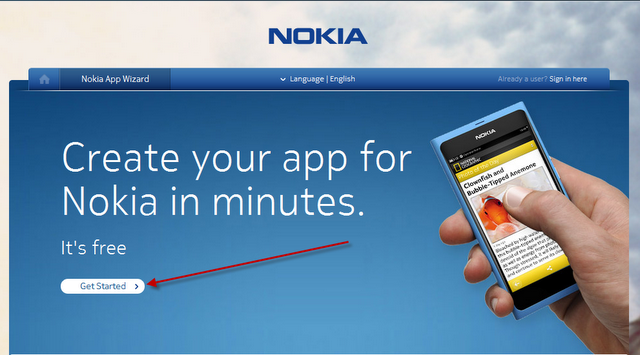
First of all go to Nokia App Wizard and hit on GET STARTED
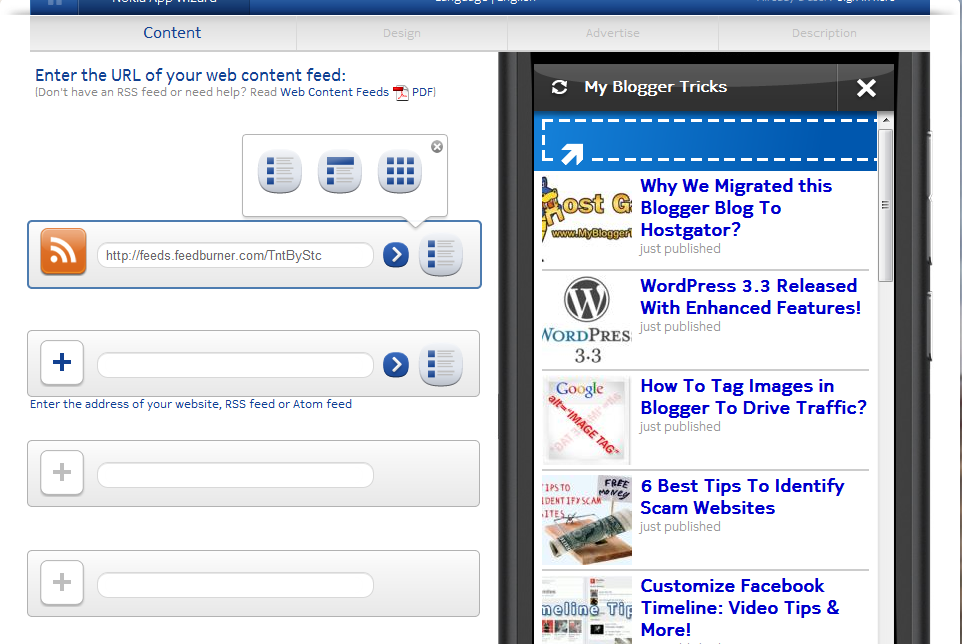
Now you will be taken to the page where you will add contents to your App where you can add different features to your app but remember, in the first Box, you must add your Blog's RSS as shown in the image below. You can add up to 4 Different features such as Flickr Album, Youtube Channel, Picasa Album, Facebook etc. You can test your content on the live DEMO at the right side.
After finishing this step, hit on NEXT STEP to design your app. Here you will add a Logo Banner at the top and also you will choose an icon for your app which will be displayed on handsets. This step is totally up to you how you want to design your app.
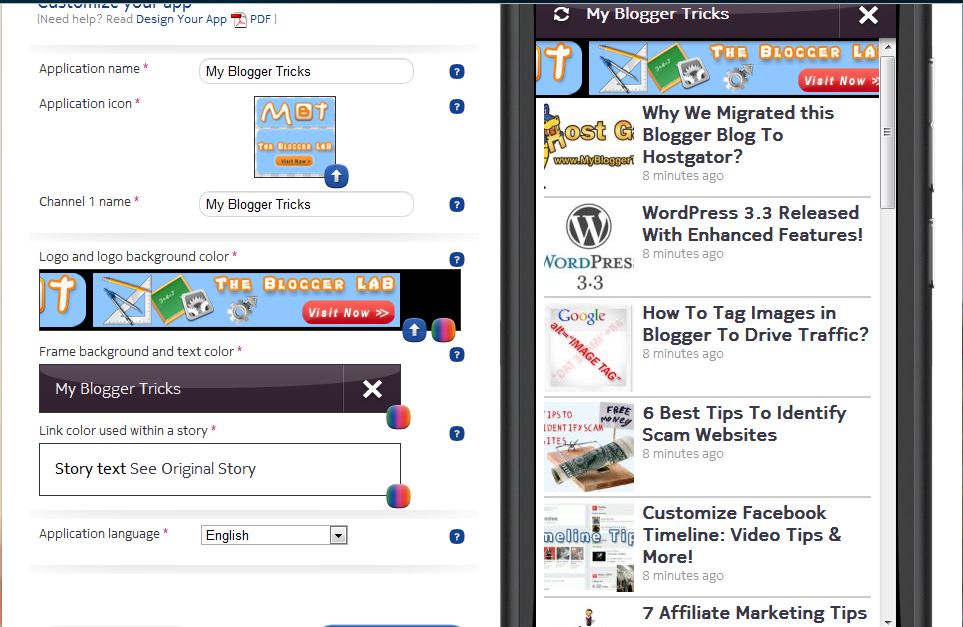
After completing Designing step, continue to the next step. Now here you will be asked for signing up. After signing up, you will be taken back to your app.
After Designing, you will have to choose whether you want to Advertise or not. I will suggest you NO because Nokia App does not support Adsense, they have their own advertisers and only high profile apps can register to these ads networks. So simply skip Advertising step.
Now the final step. Simply give a brief description to your app. Tick on GLOBAL to distribute your app worldwide. Set your price FREE and simply hit FINISH.
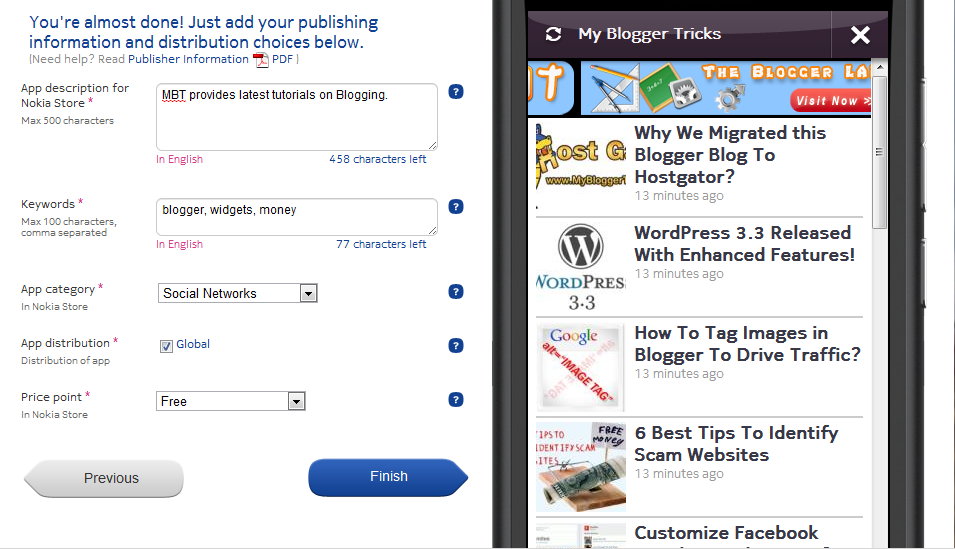
As you are a new user, so you have to wait for sometime for confirmation e-mail from the Nokia team. In my case, it took 5 days ! After you receive confirmation e-mail, you can now add your app to Nokia Ovi Store.
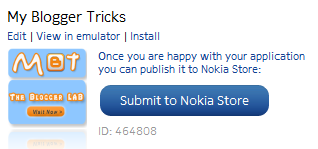
A member of their team will review your app within 48 hours ( may take long than 48 hours ). After your app is approved, it will be displayed in Ovi Market. You can also track your stats.
Note: This app is mostly for Nokia Touch Phones
Difference Between Android and Nokia Apps
The main difference between the android app and Nokia app is that as i mentioned in Android App's post that you can create your Android app free but cannot publish it to android market for free but this Nokia App is officially free to publish in Ovi Store.
HOW CAN IT HELP?
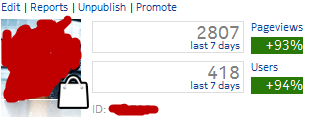
If you have a decent blog than these apps can drive a fair amount of traffic to your blog through mobiles. As you can see my apps stats.
My next post will be on PUBLISHING ANDROID APP IN ANDROID MARKET!
Peace and Blessings. :)
Guest post by Haider Afridi. Running a Fan Club on Celebrity Salman khan at skfanclub.



 Hello, my name is Aamir khan. I'm a 24year old blogger from Pakistan.
No comments:
Post a Comment
Your feedback is always appreciated. We will try to reply to your queries as soon as time allows.
Note:
1. Make sure to click the "Subscribe By Email" link below the comment to be notified of follow up comments and replies.
2. Please "Do Not Spam" - Spam comments will be deleted immediately upon our review.
3. Please "Do Not Add Links" to the body of your comment as they will not be published.
4. Only "English" comments shall be approved.
5. If you have a problem check first the comments, maybe you will find the solution there.