

![image[20]](https://blogger.googleusercontent.com/img/b/R29vZ2xl/AVvXsEiVQ7HpIP3cHEtA7xzVxnom-22_DsumVEn71mNbT9XilBVkI3Z8O9iI8jXHb6m5kczONAJgrI5m1Kq0NnpABn_Dp7ZkSgqTaJ7F-X5yubMIwtIYv918QZayGLmpI-xUjXcEOnKxK3b6wDw/s1600-h/image203.png "image[20]") After having shared detailed tips on how to compress CSS and HTML Codes in Part-1, its now time to learn how to compress Images and JavaScript in order to Speed Up the loading time of your websites and blogs. Both graphics and JavaScript play a major role in slowing down your site load speed. So lets now discuss the remaining part of our topic.
After having shared detailed tips on how to compress CSS and HTML Codes in Part-1, its now time to learn how to compress Images and JavaScript in order to Speed Up the loading time of your websites and blogs. Both graphics and JavaScript play a major role in slowing down your site load speed. So lets now discuss the remaining part of our topic. Note: Please save all of your files in a folder just in case you ever need to edit them. Keep all the compressed files which we will make, in a separate folder such as a publish folder.
If you have a Blogger account just download your template from the box above the editor
Image Compression
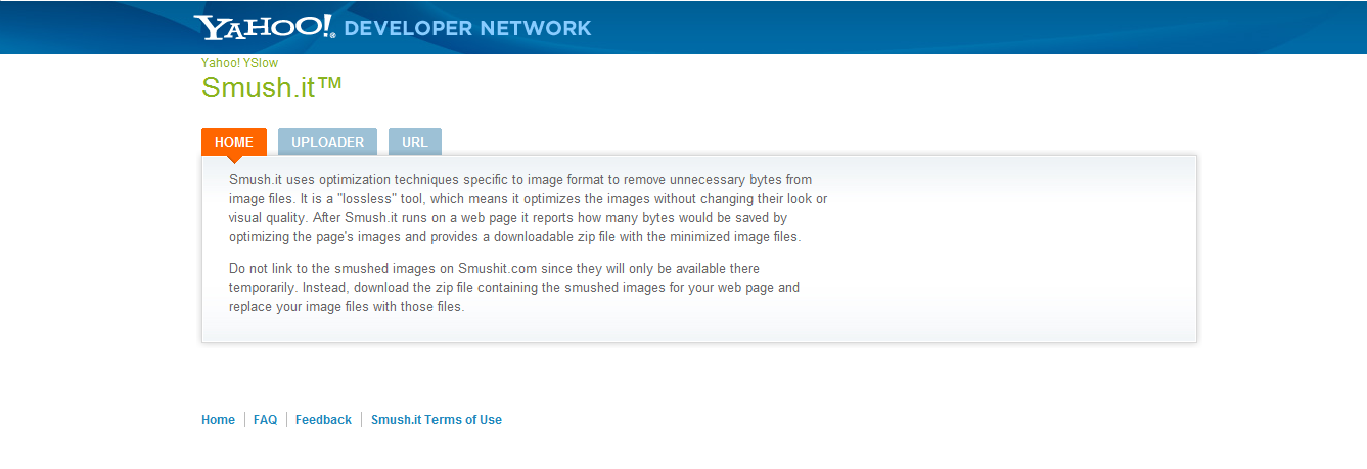
My next step is to compress my images. Save all of your blog’s images into one folder, and go to Smush it. This is an image compressing tool made by Yahoo. Upload all of your images, where they will be compressed, and download them in a zipped file. You can then re-upload them to your blog. Both techniques shown so far will decrease your page size and loading time by at least 30%.
JavaScript Compression
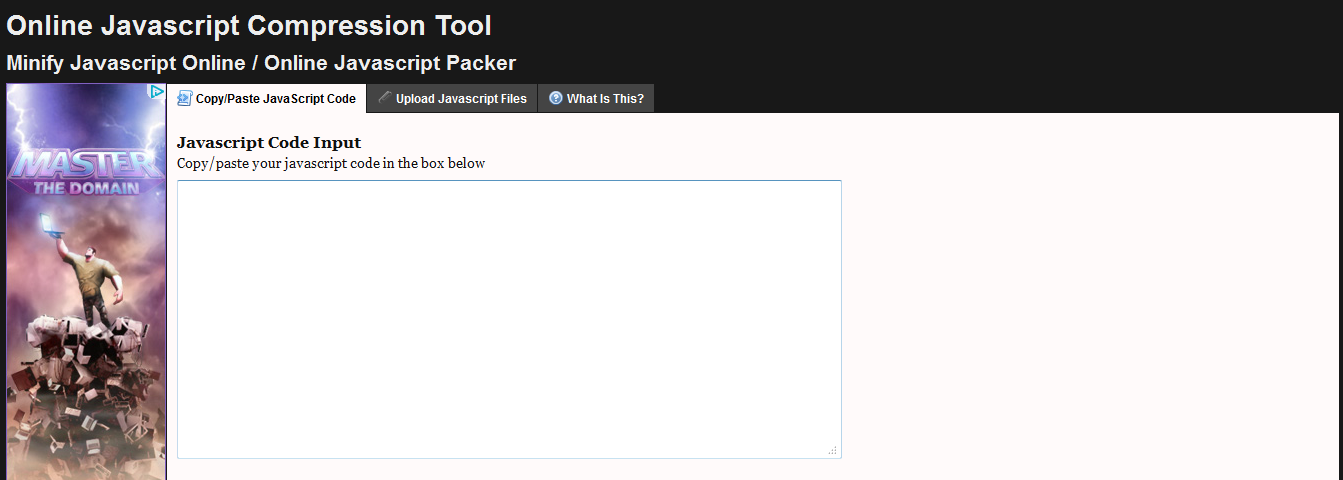
Your next step is to compress all of your JavaScript. Please go to JS Compress. Upload your JavaScript, have it compressed, and re-upload it to your webpage.
Conclusion:
We have covered all of the major aspects of reducing page size. There are more minute things however, which are covered in the web apps and MBT post listed below.
If you really want to take it to the next step, then you can download Y Slow, which is an app by yahoo, which analyses how speed optimized your webpage is, and tells you how to reduce your loading time.
Another website to check your loading speed is Pingdom Tools, or just using Google Webmaster Tools.
If you find any other good/better services, or have any questions or concerns, please leave a comment below! Hope this little help proves helpful to must of you. :>
 Anims
Anims About the Guest Author:
Anims is freelance web designer and enjoys playing around with and learning coding in his free time. He likes to write about Web Technologies such as HTML, CSS and SEO.



 Hello, my name is Aamir khan. I'm a 24year old blogger from Pakistan.
No comments:
Post a Comment
Your feedback is always appreciated. We will try to reply to your queries as soon as time allows.
Note:
1. Make sure to click the "Subscribe By Email" link below the comment to be notified of follow up comments and replies.
2. Please "Do Not Spam" - Spam comments will be deleted immediately upon our review.
3. Please "Do Not Add Links" to the body of your comment as they will not be published.
4. Only "English" comments shall be approved.
5. If you have a problem check first the comments, maybe you will find the solution there.